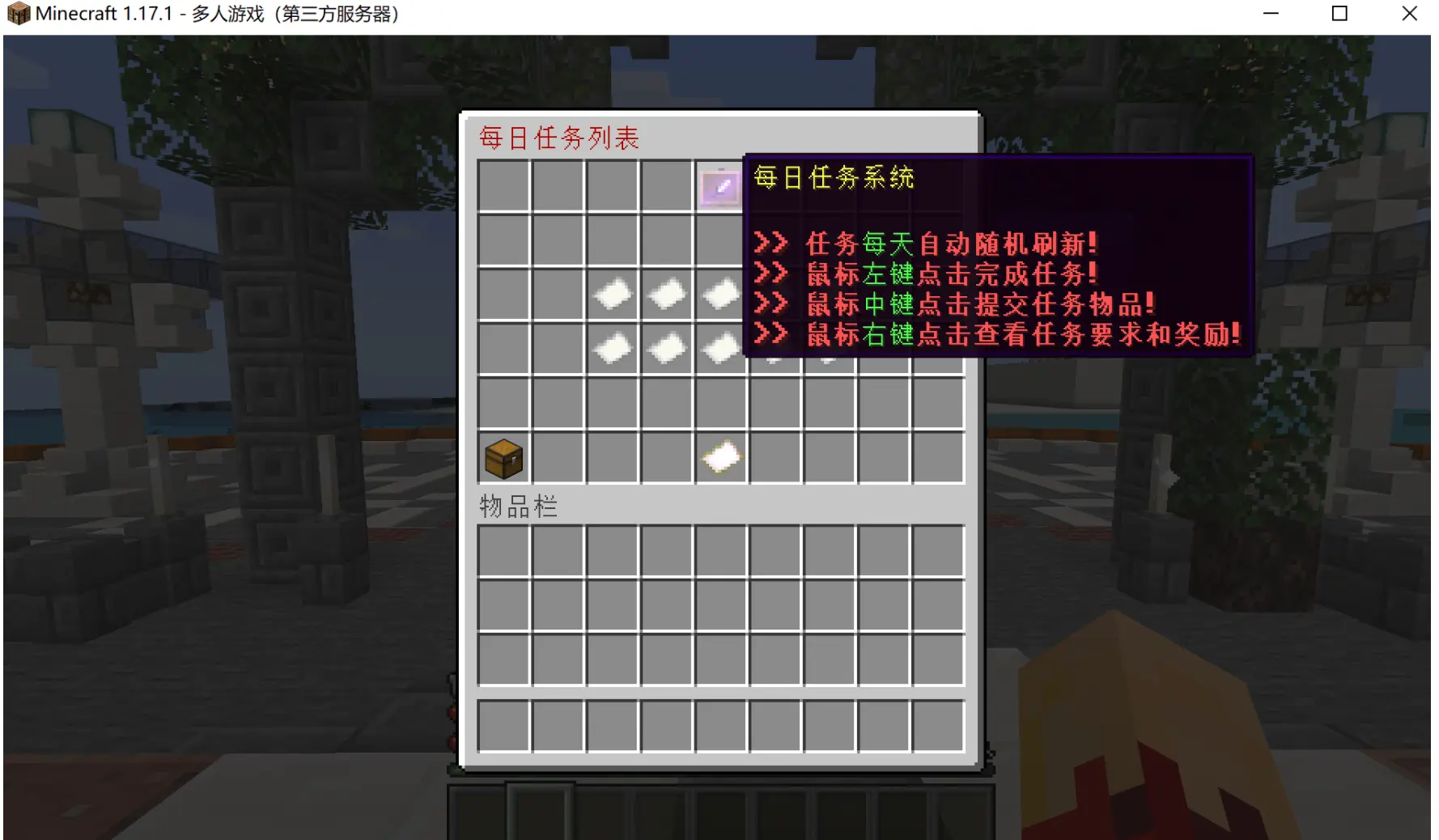
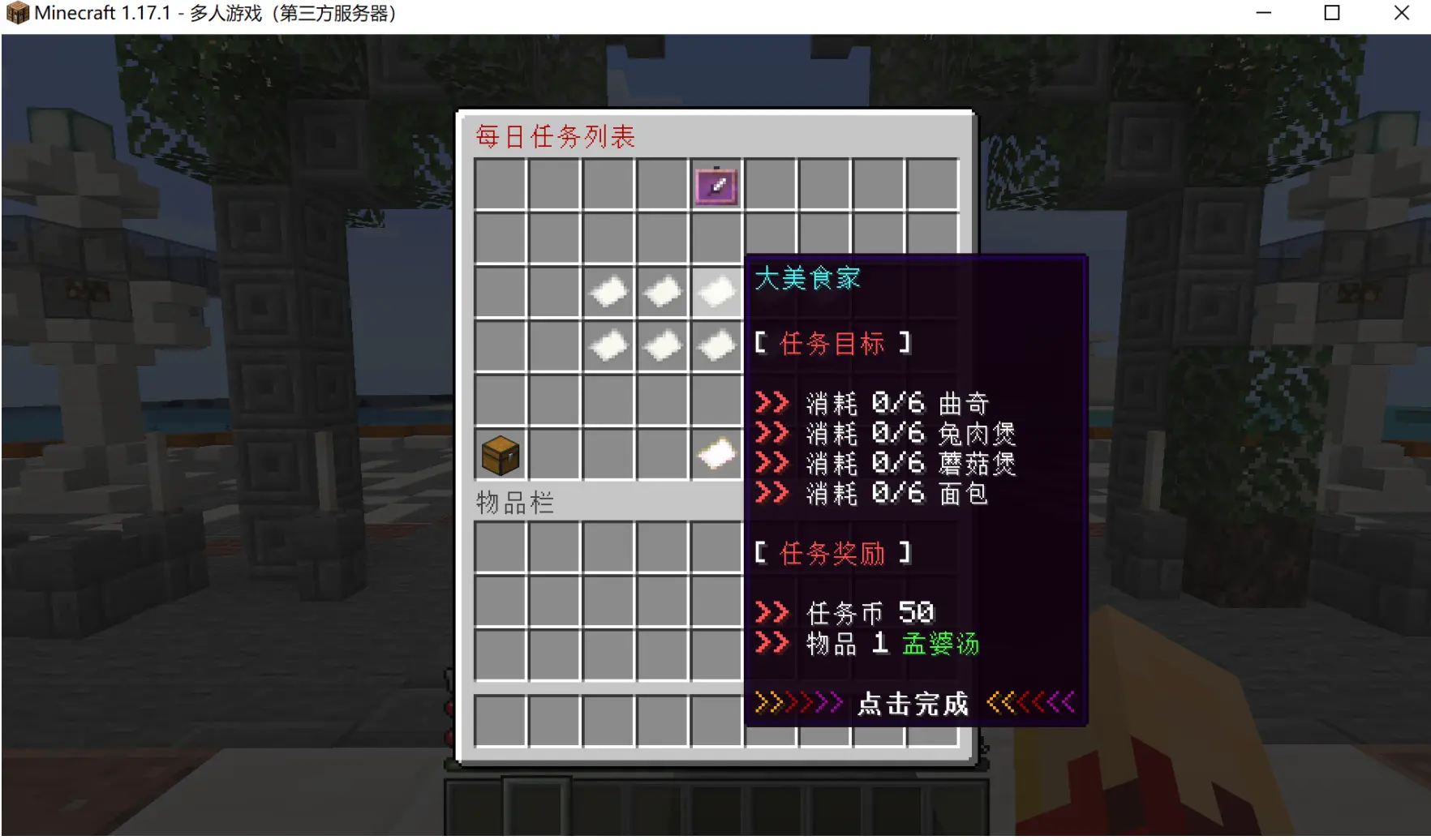
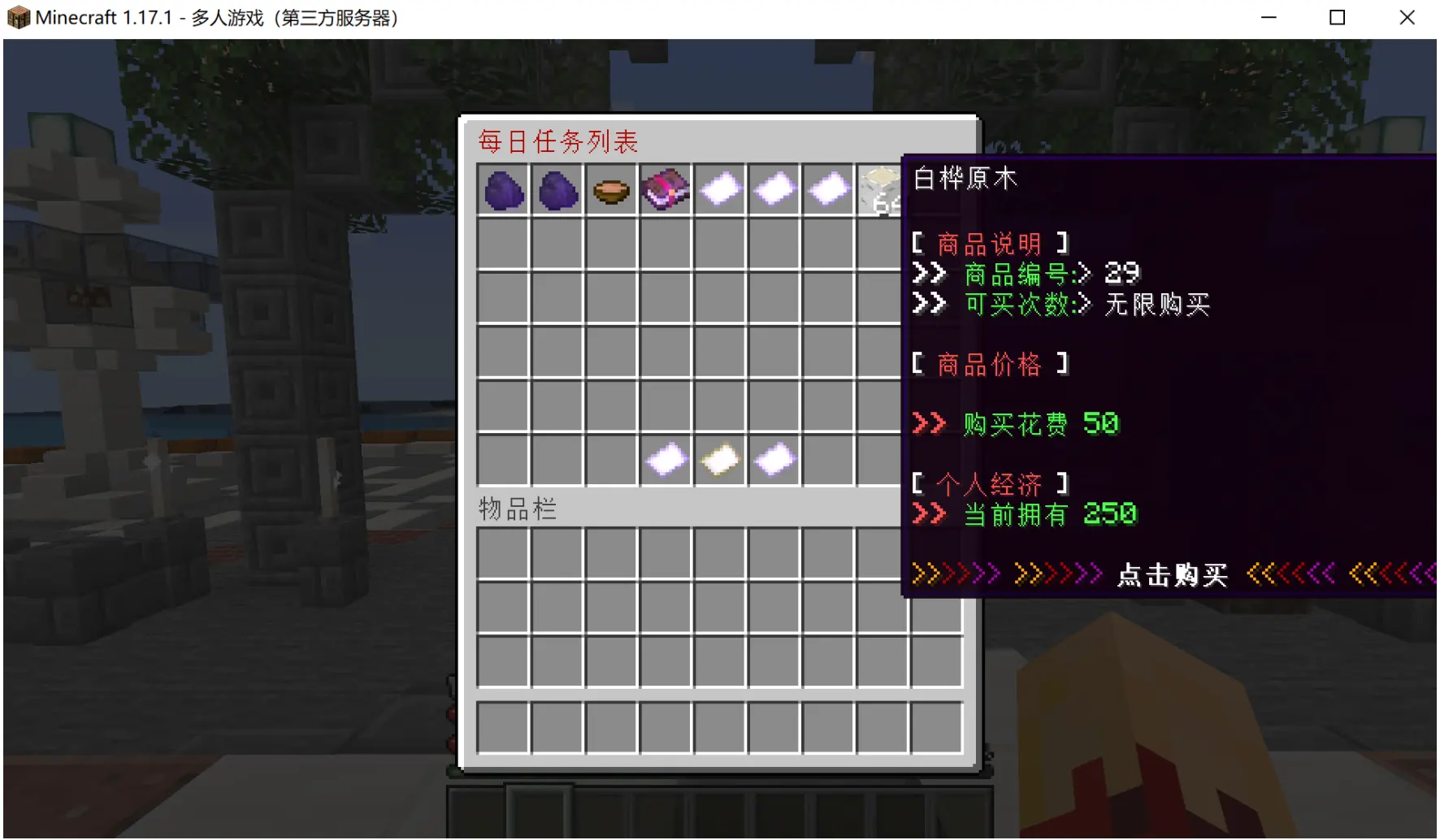
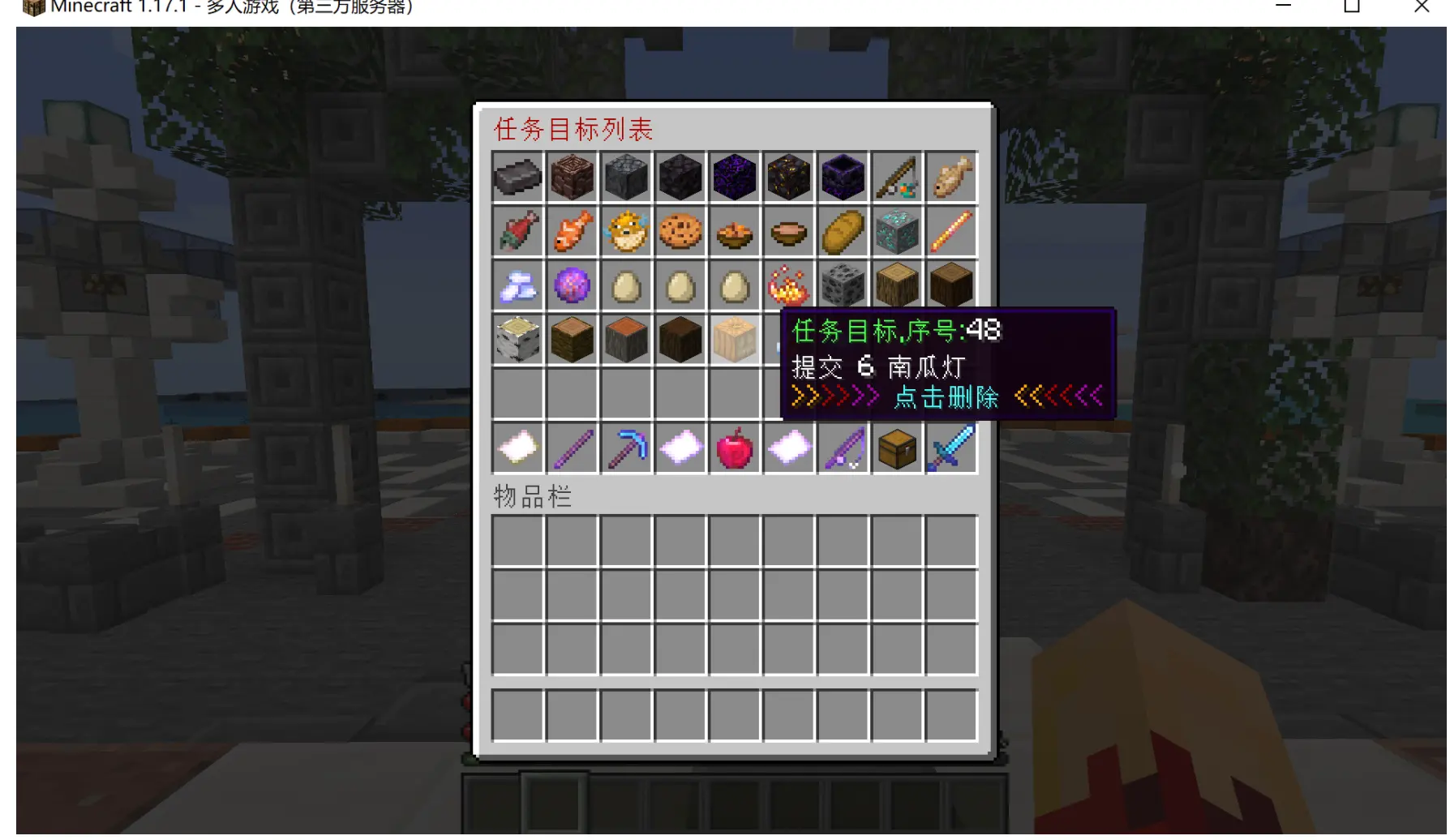
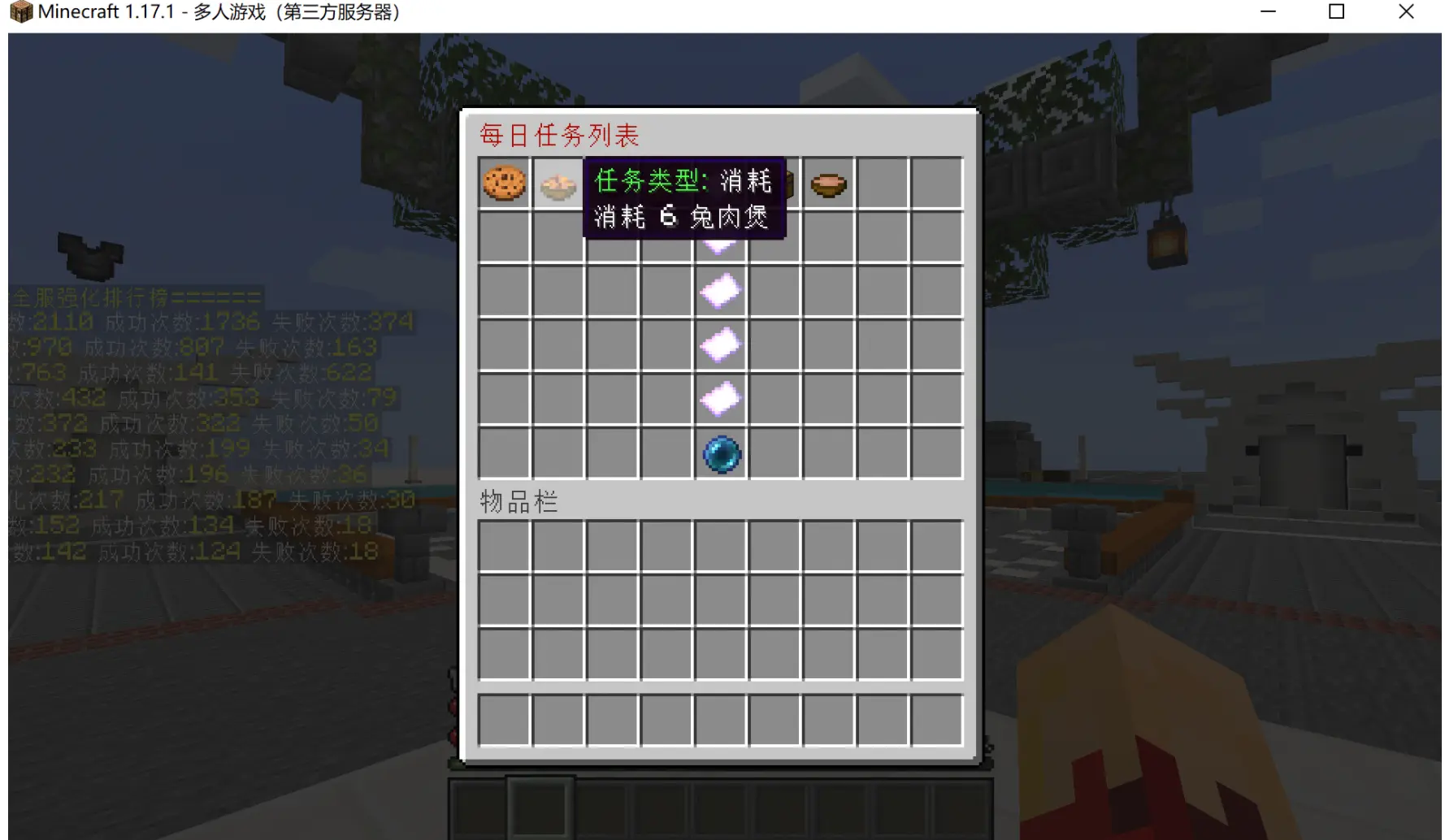
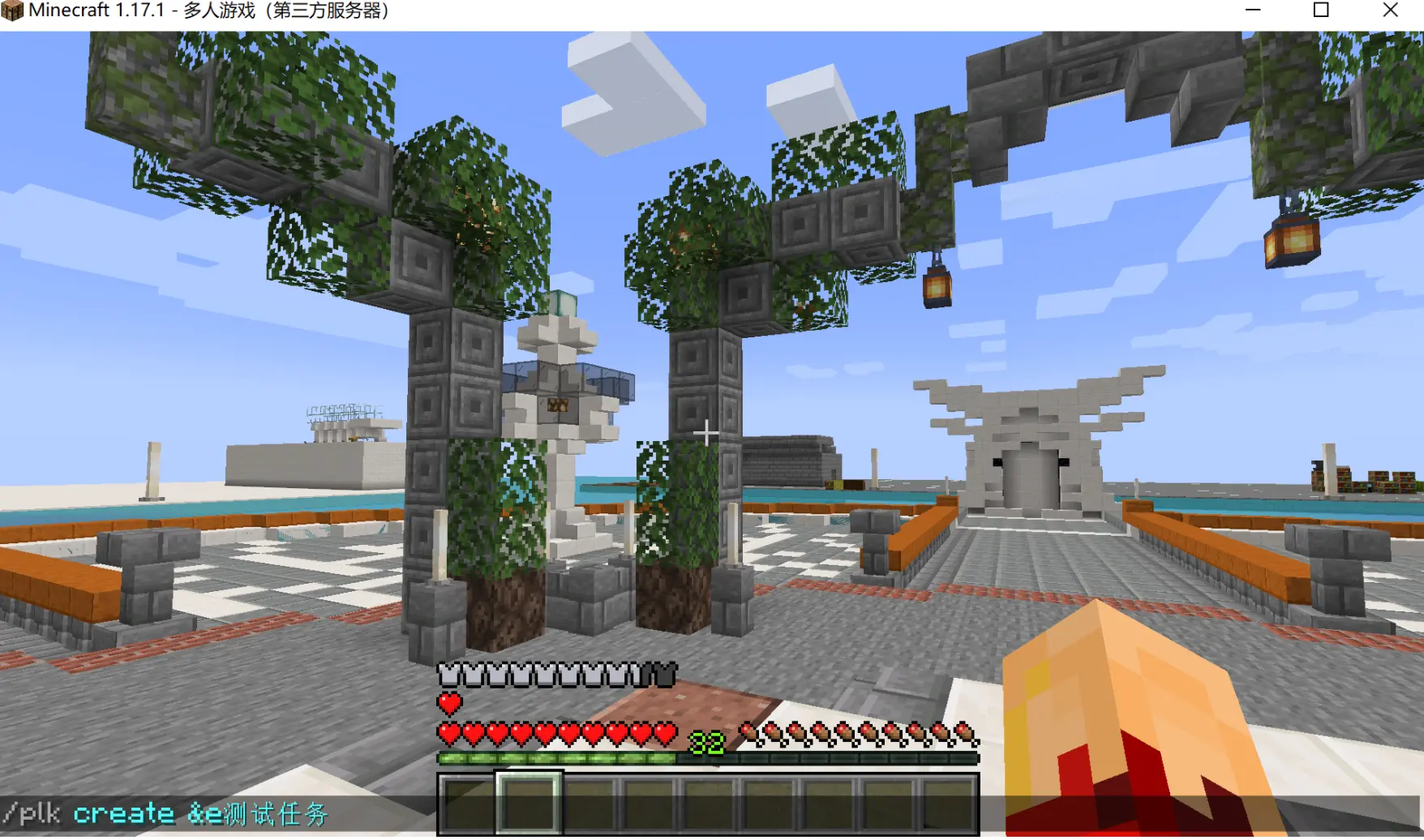
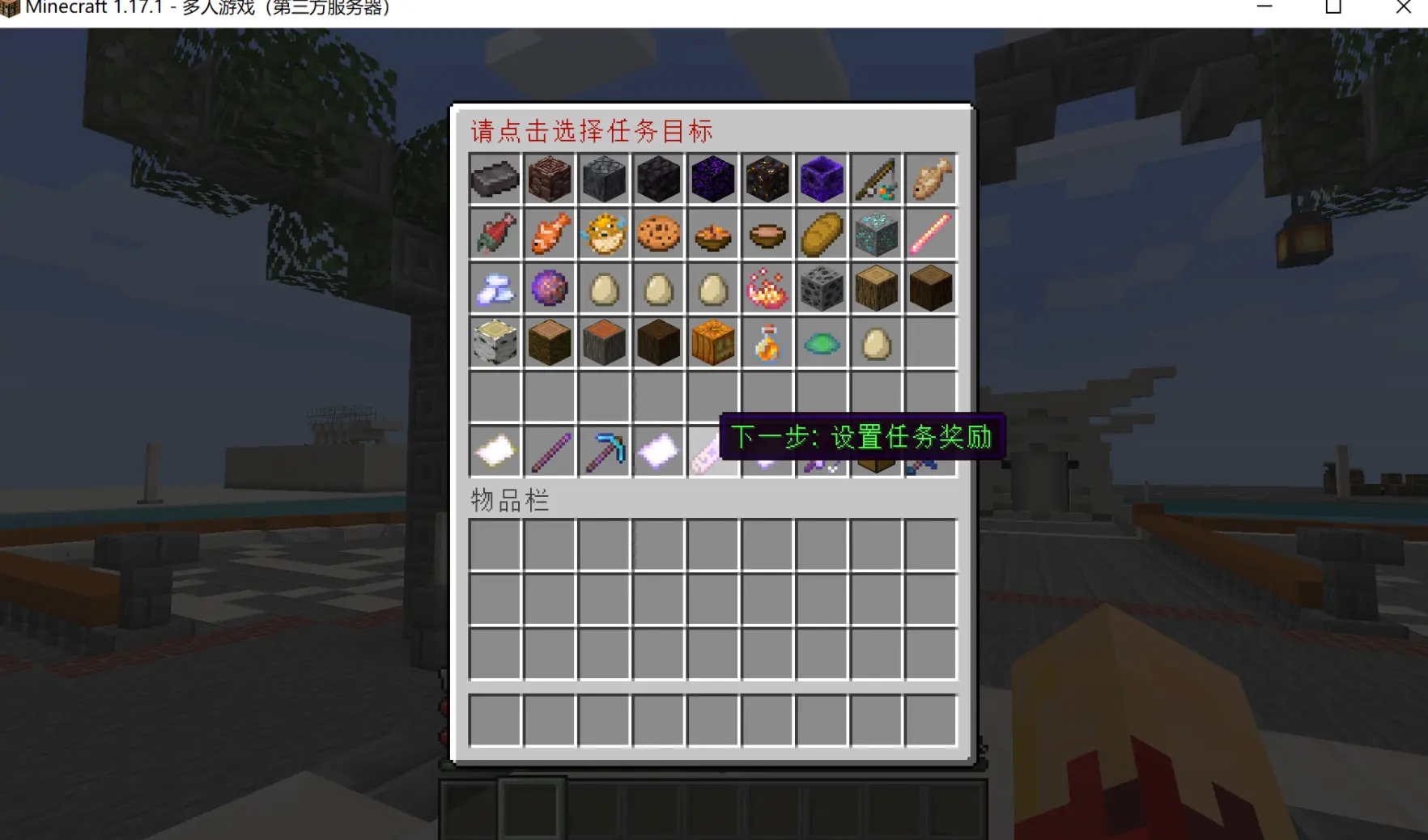
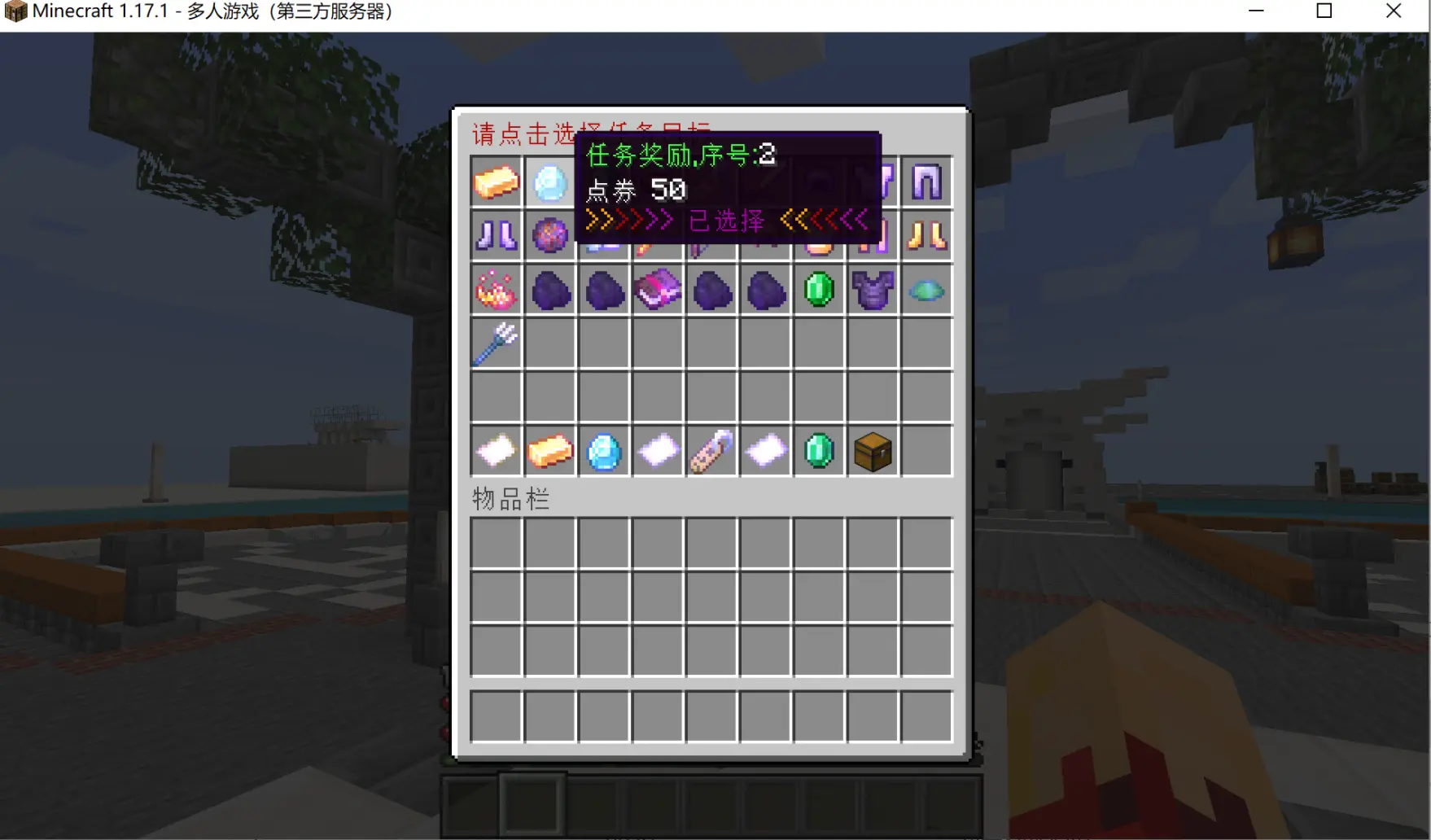
Add Task
Example
Explanation:
The logic of this plugin is:
- First you have task objectives and task rewards.
- Then you combine several task objectives and task rewards to create a task.
- Tasks are now divided into two kinds: NPC tasks and daily tasks (1.6.0+).
- Note: to stay compatible with RPG items, always keep the durability of the held item full, otherwise you will craft the item but the task will not +1, because the durability did not match.
Suppose we want to create a task:
Task name: &f[&eBeginner Task&f]
Requirement 1: Craft 3 diamond blocks.
Requirement 2: Mine 10 diamond ores.
Reward 1: 1 diamond helmet.
Reward 2: 100 coins.
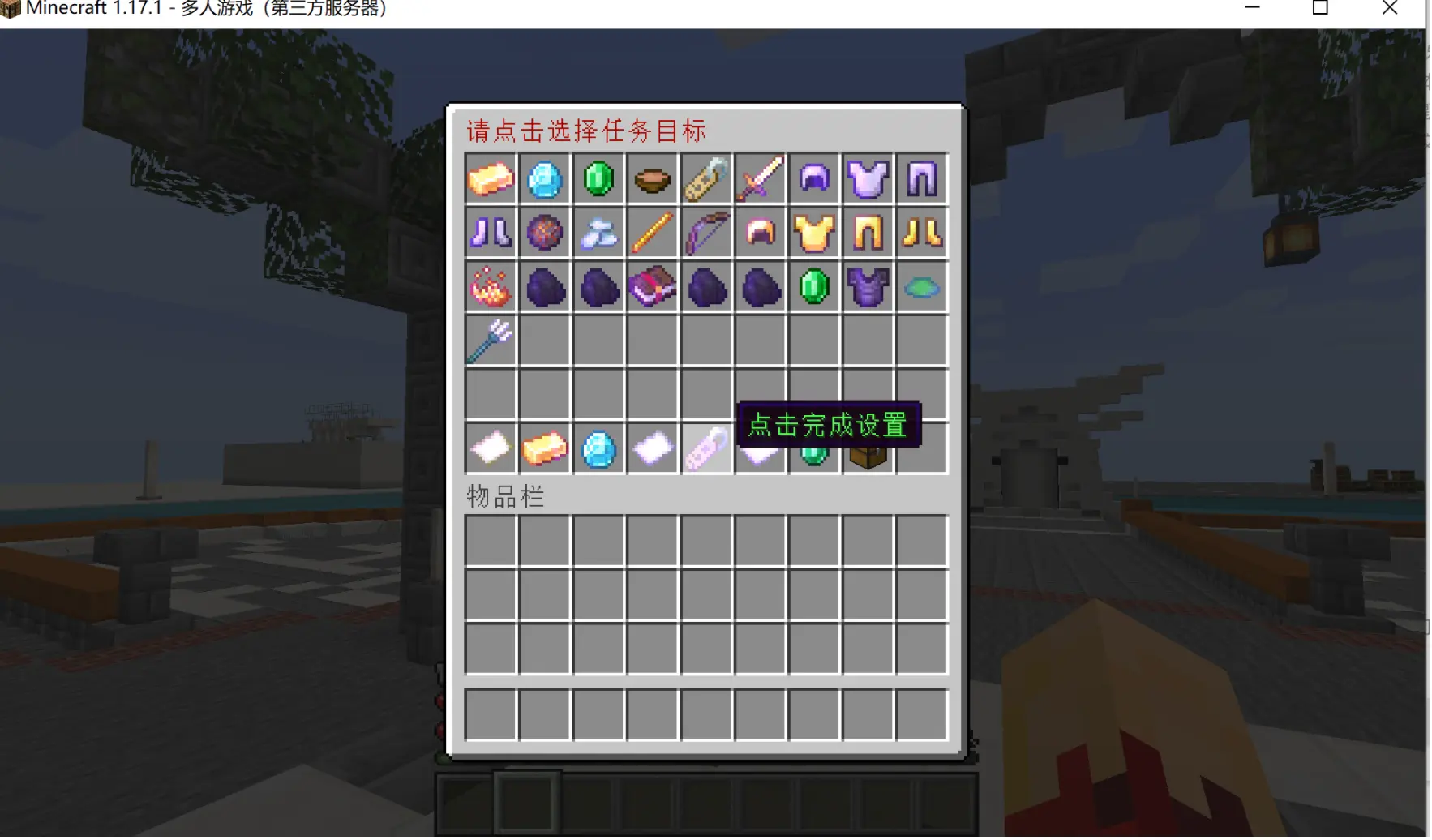
Step 1. Add: Task objectives
Hold a diamond block in your main hand and run /plk addDemand craftItem 3; hold a diamond ore in your main hand and run /plk addDemand blockBreak 10.
Step 2. Add: Task rewards
Hold a diamond helmet in your main hand and run /plk addReward itemStack 1; run /plk addReward vault 100 directly.
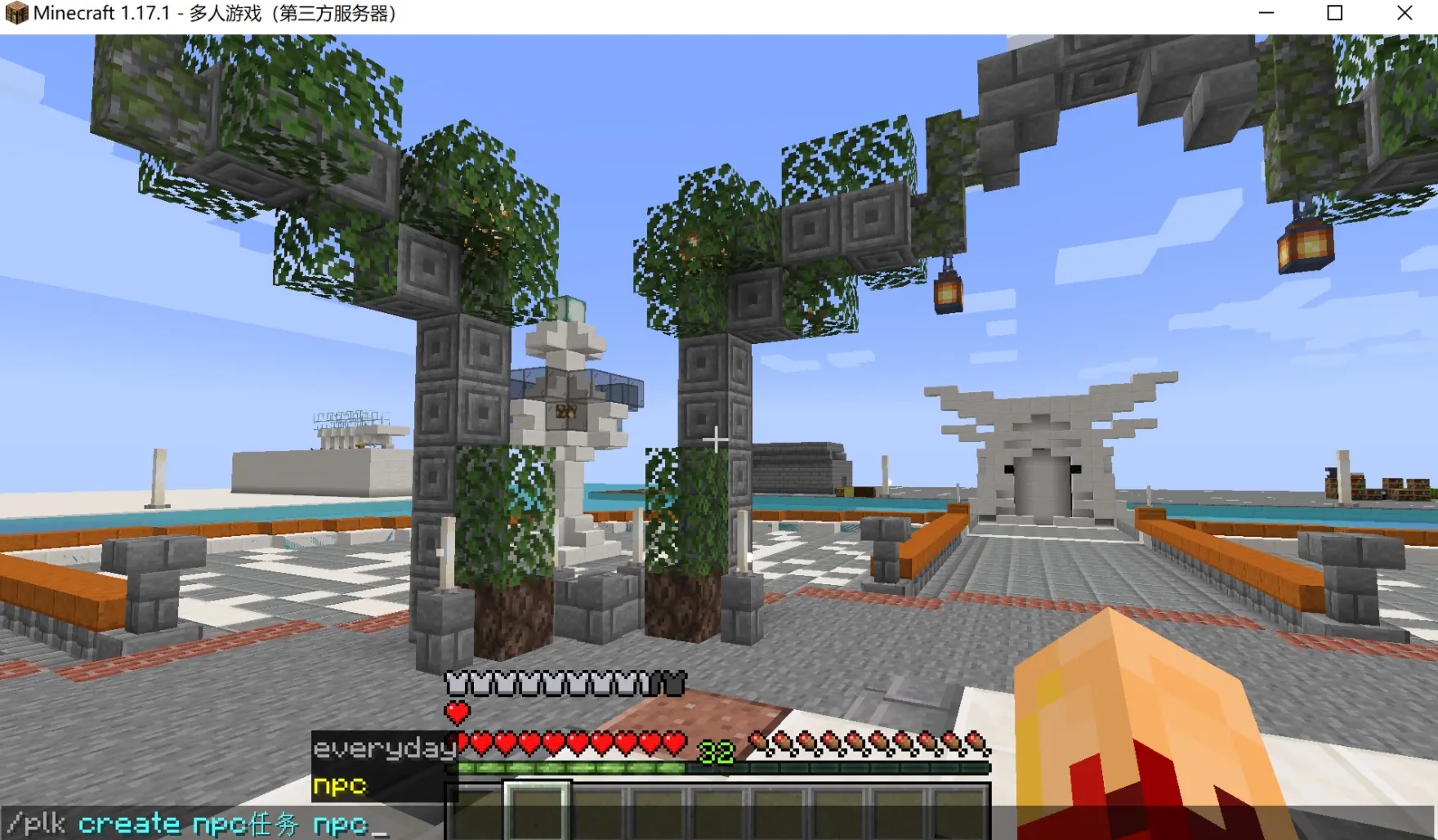
Step 3. Add a daily task
/plk create &f[&eBeginner Task&f] everyday
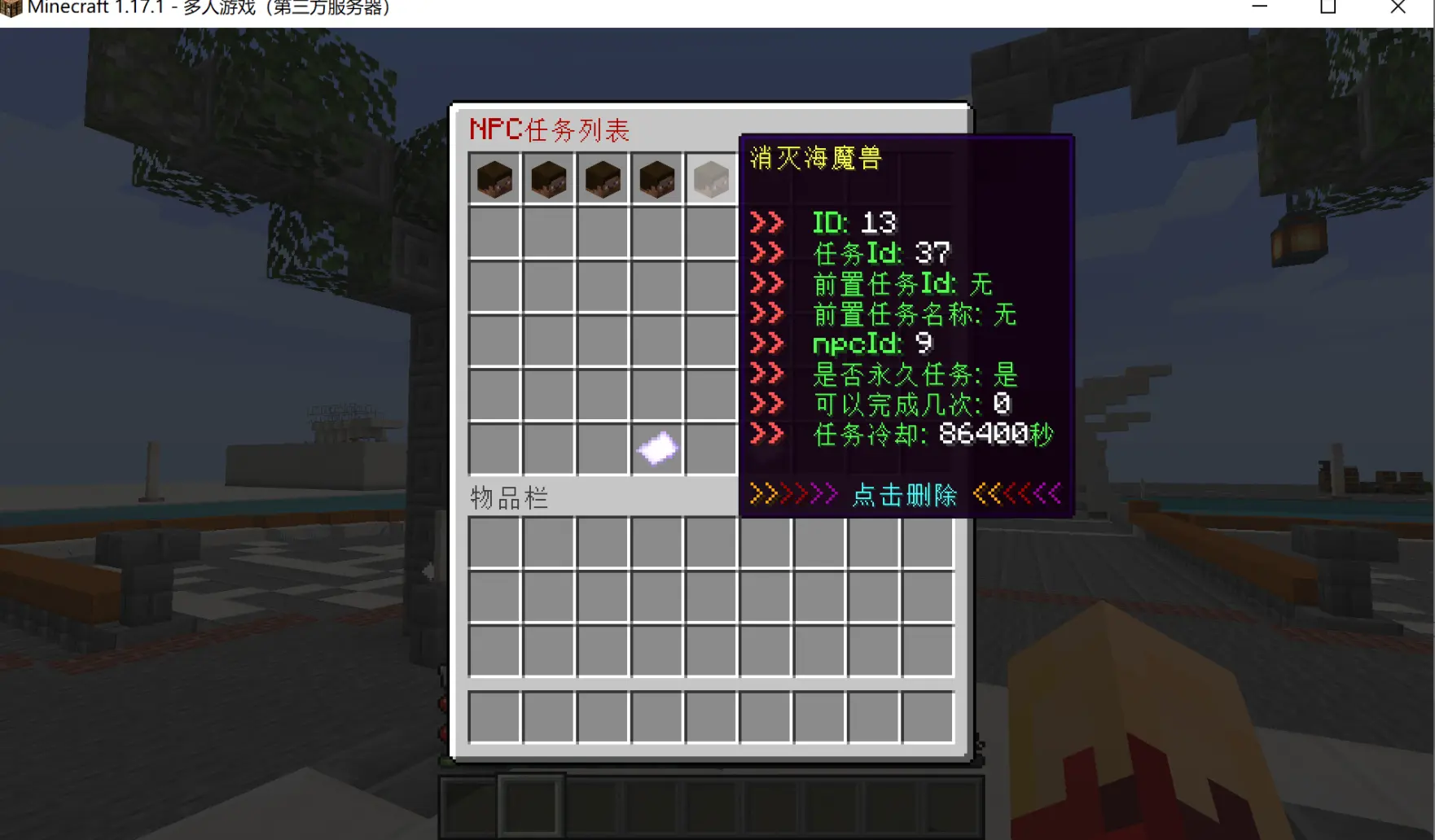
Step 4. Add an NPC task (1.6.0+)
/plk create &f[&eBeginner Task&f] npc
Special reminder:
Note: after creating a task for the first time it will not show up in
/plk open, you need to run/plk getTodayto fetch today's tasks. After that, daily tasks refresh automatically at 00:00 every day (NPC tasks do not refresh).
That completes a task. The task objectives and task rewards above can be reused infinitely once created.
Screenshot explanation