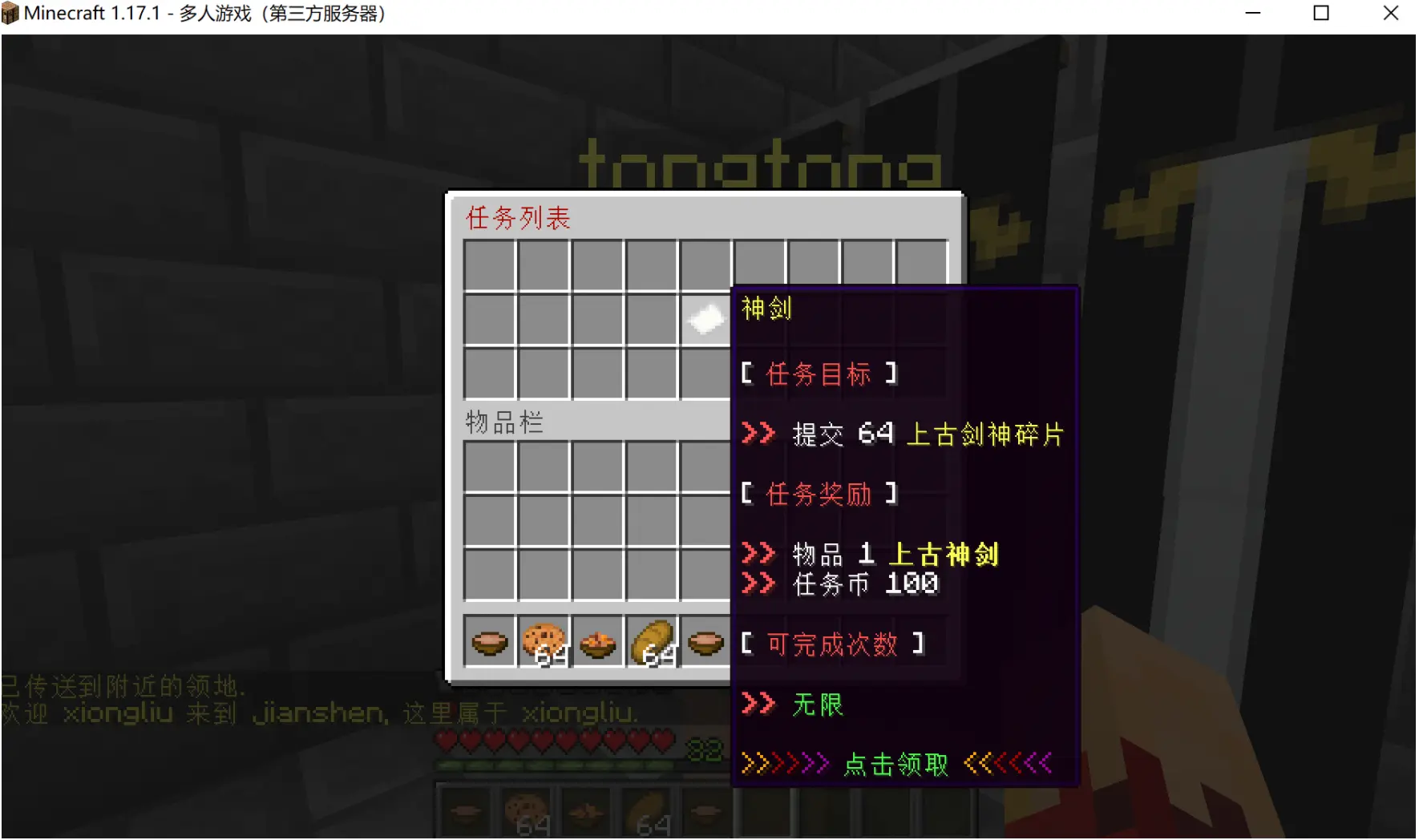
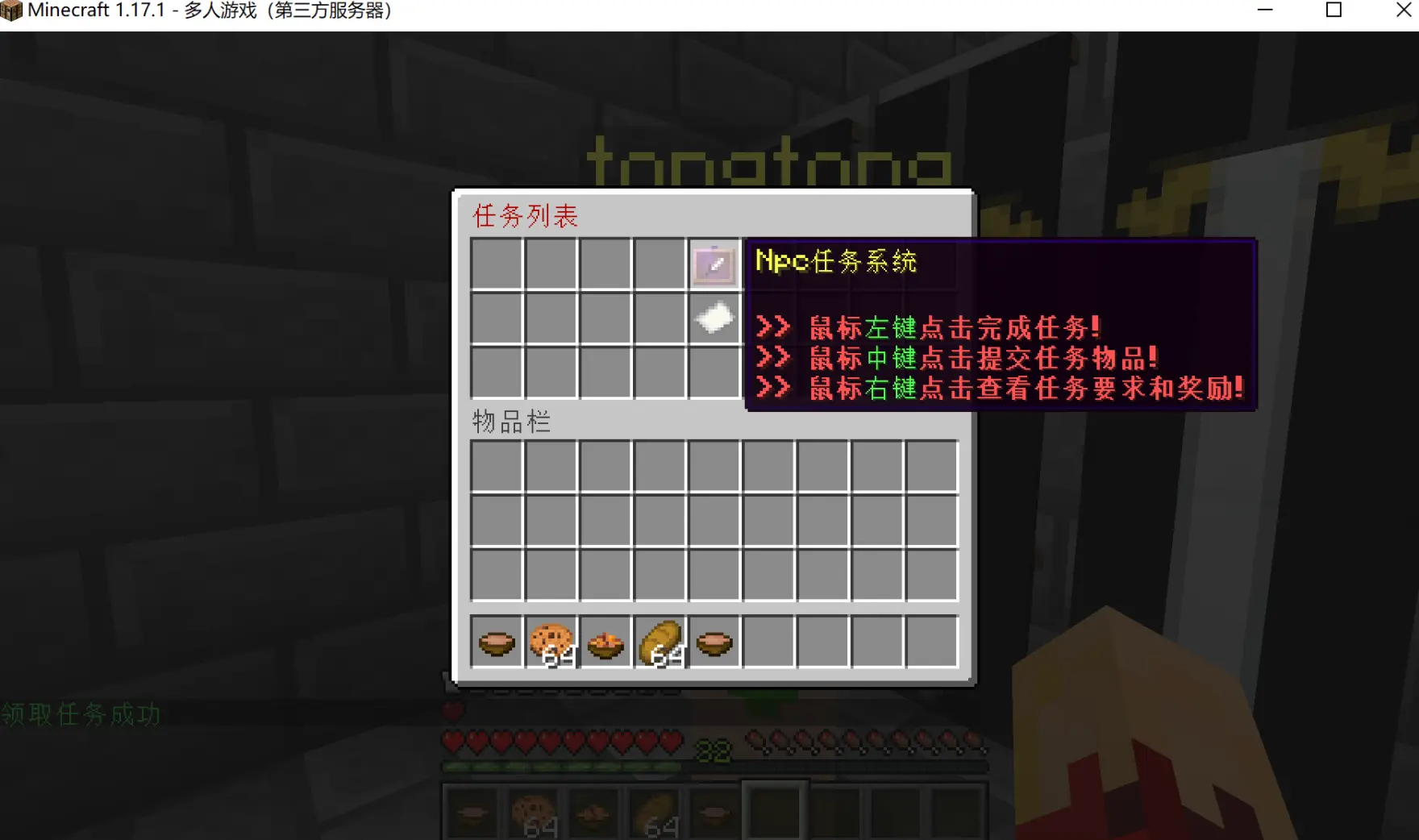
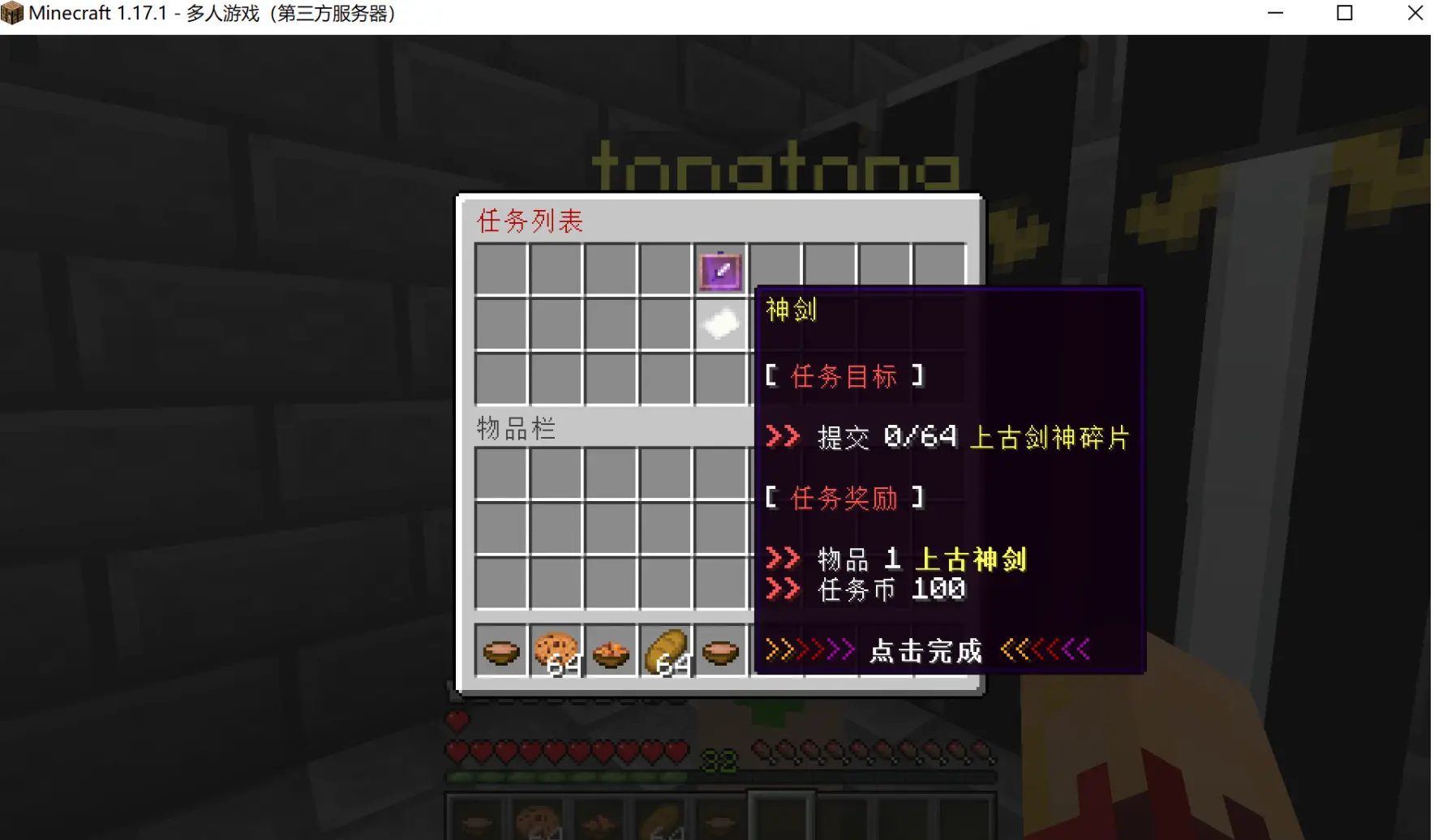
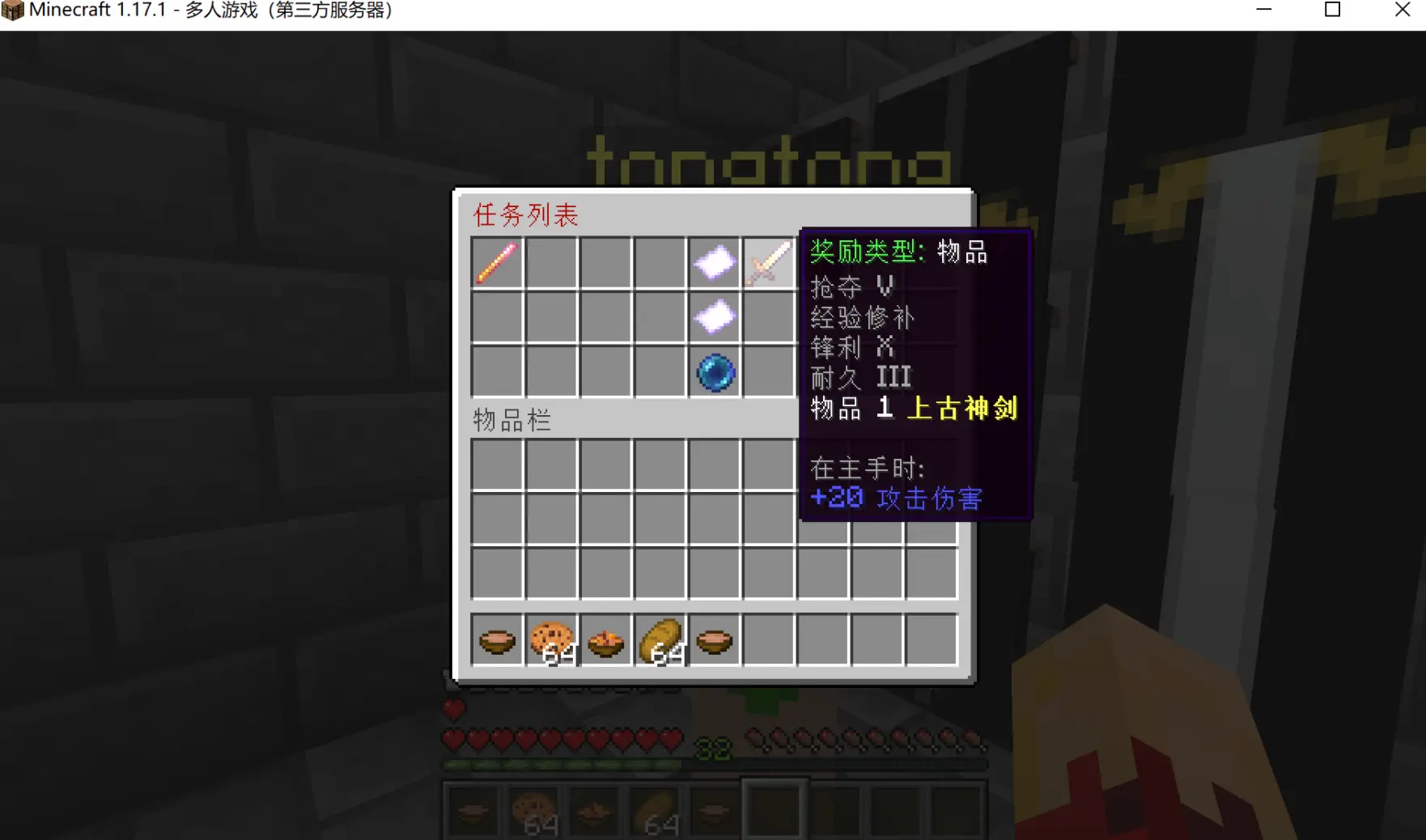
NPC Tasks
Description
2.0.1+ added the command
/plk openNpc [npcId]to open the task list of the corresponding NPC.
You can either use NPCs or drop the NPC plugin entirely and use the command to open the task list anywhere.
Example
Description:
The NPC task logic is:
- First create an NPC task as described in example 1.
/plk create NpcTask npc normal - Then bind it to the corresponding NPC with a command.
Suppose we already have an NPC task, as shown in the image, its type is NPC task.
Now let's look at the NPC list of the Citizens plugin.
As you can see there are three NPCs: 0, 1 and 2.
Input command to bind
Command: /plk addNpcTask [task id] [npcId] [permanent task] [completable times] [cooldown] (prerequisite task id)
Example: /plk addNpcTask 23 2 1 0 60
Explanation: binds the task with ID 23 to NPC 2, setting it to 1 means a permanent repeating task, the 0 after it is the number of times the task can be completed (it only takes effect when the previous parameter is set to 0), 60 is the cooldown time. The prerequisite task ID can be omitted, by default there is no prerequisite task, pass the corresponding task ID if you need one.
Effect after the above operations
How to view NPC bound tasks
/plk view npc
Note: clicking delete also removes the corresponding task from the players who accepted it.