
Intro





I. Introduction
RandomShop —— A useful random shop plugin
Server owners only need to know 2-3 commands, and players can enjoy the plugin smoothly without knowing any commands
Almost all operations use GUI, with 99% customizability — GUI, features, and language are all customizable
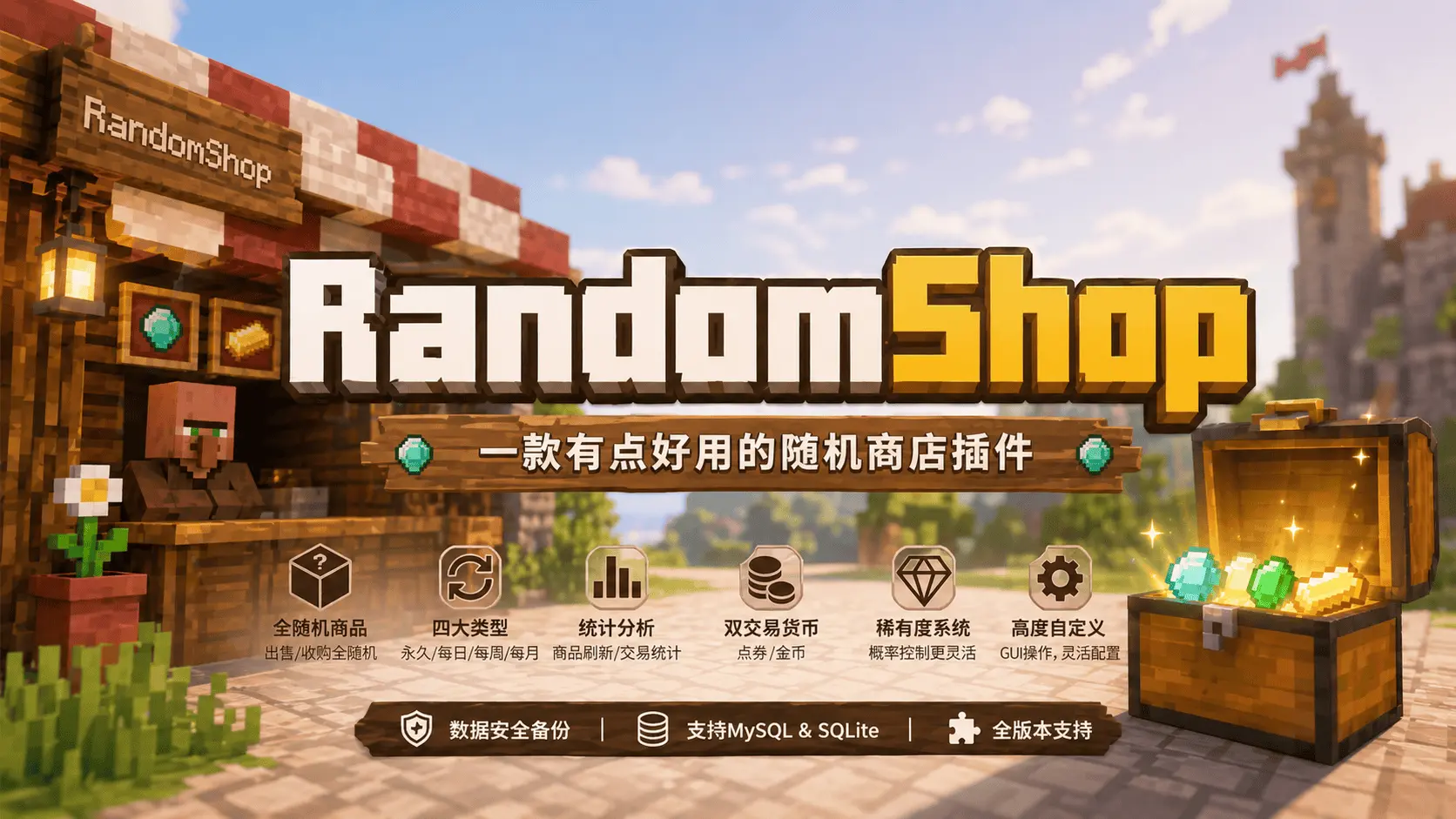
- Supports MYSQL and local SQLITE storage
- Core feature is fully random item generation (both selling and purchasing are random)
- Supports selling items with permanent/daily/weekly/monthly four types, all are random shops
- Supports purchasing items with permanent/daily/weekly/monthly four types, all are random shops
- Each shop type can have multiple instances, refreshing based on different item types (1.0.9+)
- Full GUI operation, 99% customizable
- Supports item refresh statistics / player purchase/sale statistics, popular items at a glance
- Supports points/money two transaction methods
- Supports players using points/money to refresh shop, refresh count can be judged by permissions
- Supports item rarity settings, controlling refresh probability based on rarity
- Supports configuring how many items to refresh daily/weekly/monthly
- All plugin configurations support RGB colors for Minecraft 1.16+ (1.6.7+)
- Supports automatic full-item cloud localization for all versions, full localization for 1.13-1.17, other versions will be gradually improved
- Plugin is constantly being updated, recommend checking Update Log
- Data security with configurable automatic full backup to backUp folder
- Supports MiniMessage (1.5.0+)
- Multi-language configuration Click to view
III. Plugin Dependencies
All are optional
PlaceholderAPI PAPI variables
PlaceholderAPI
Vault Economy plugin (requires base plugins like ess, cmi, etc.)
Vault
PlayerPoints Points plugin Requires 3.0.0+
PlayerPoints
PlayerCurrency Multi-currency plugin Requires 1.0.3+
PlayerCurrency
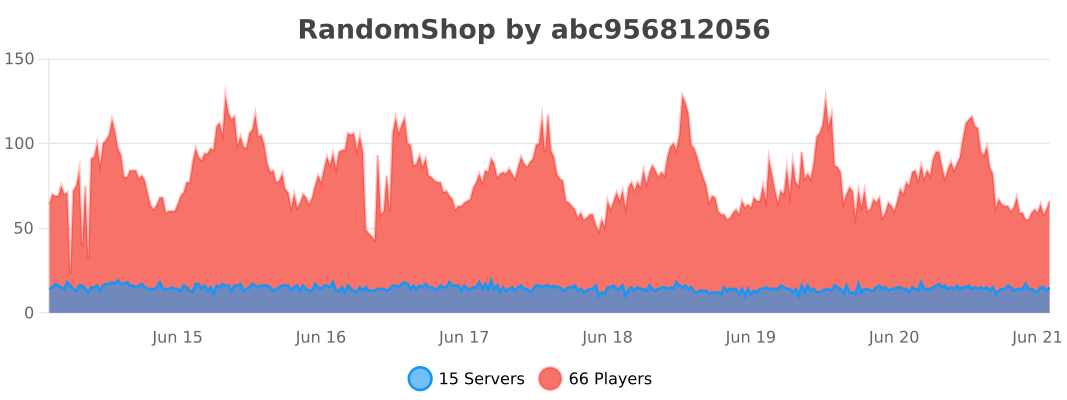
IV. Usage Statistics
IV. Download
Purchase on Afdian
Purchase on MC9Y
V. Join Community
Click to join plugin discussion group