Intro




I. Introduction
OAuthLogin —— A useful login plugin
II. Features
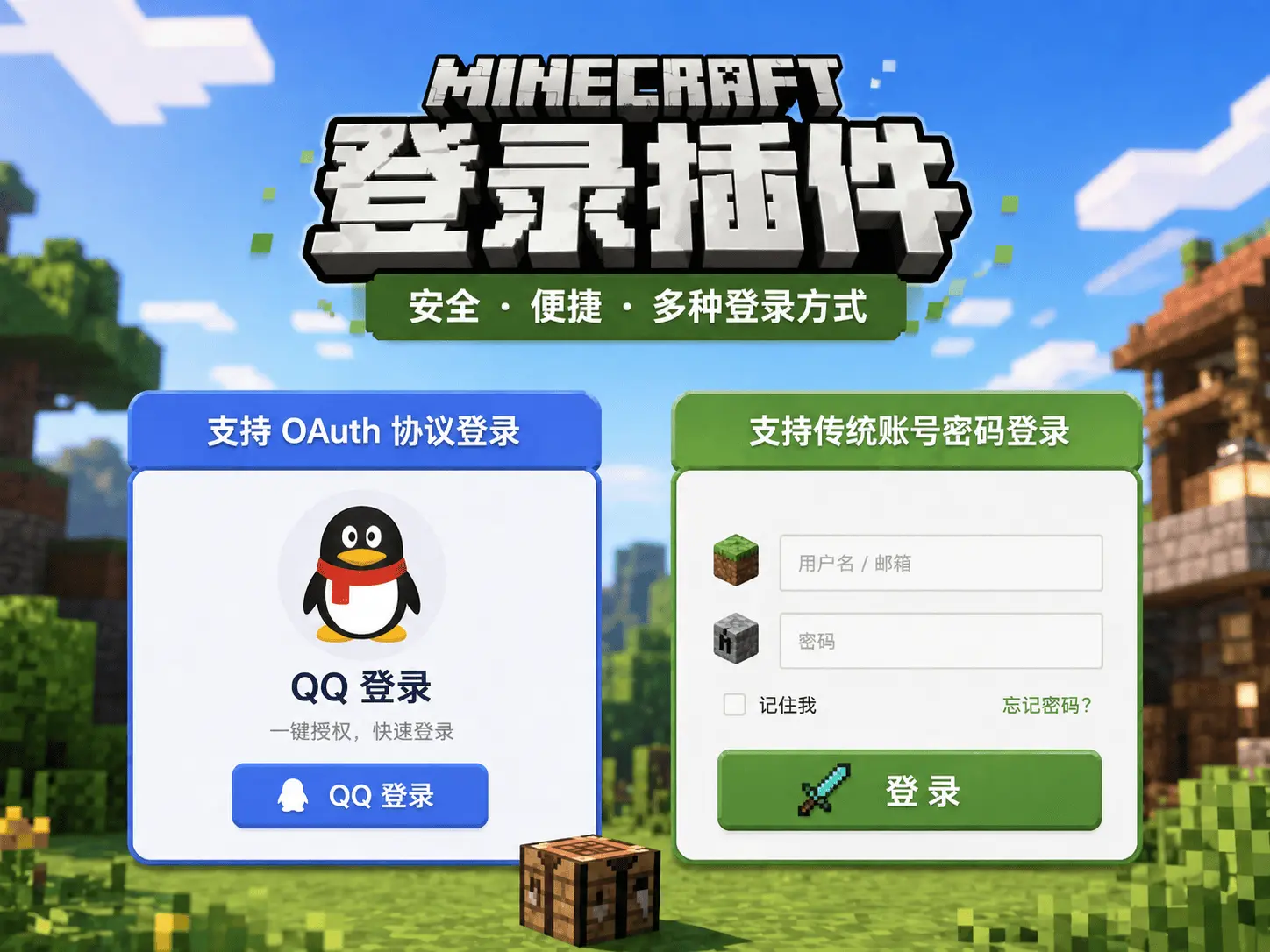
- Supports OAuth protocol login (e.g. QQ login)
- Supports traditional account/password login
- Supports MiniMessage format messages
- Multi-language configuration Click to view
III. Usage
3.1. Prerequisites for OAuth Login
- Your own machine or a rented VPS with the ability to freely open ports
- Your own domain name (ICP filing optional)
- Knowledge of website setup and Nginx domain forwarding
- Some developer knowledge to follow the tutorial below
3.2. Configure in config
yaml
# Port used for login
port: 8888

# OAuth information
source: 'qq'
clientId: 'your clientId'
clientSecret: 'your clientSecret'
redirectUri: 'https://yourdomain/open/oauth/callback/QQ'
Click to view: Supported Third-party Login List
The following uses QQ Connect as an example
Click to view: QQ Connect
3.3. How to configure port
Used for the server's externally exposed interface. Set any port that is not already in use on the server.
3.4. How to configure clientId/clientSecret/redirectUri
IV. Required Plugins
All are optional
PlaceholderAPI PAPI variables
PlaceholderAPI ProtocolLib Protocol library
ProtocolLib
V. Usage Statistics