Plugin Activation
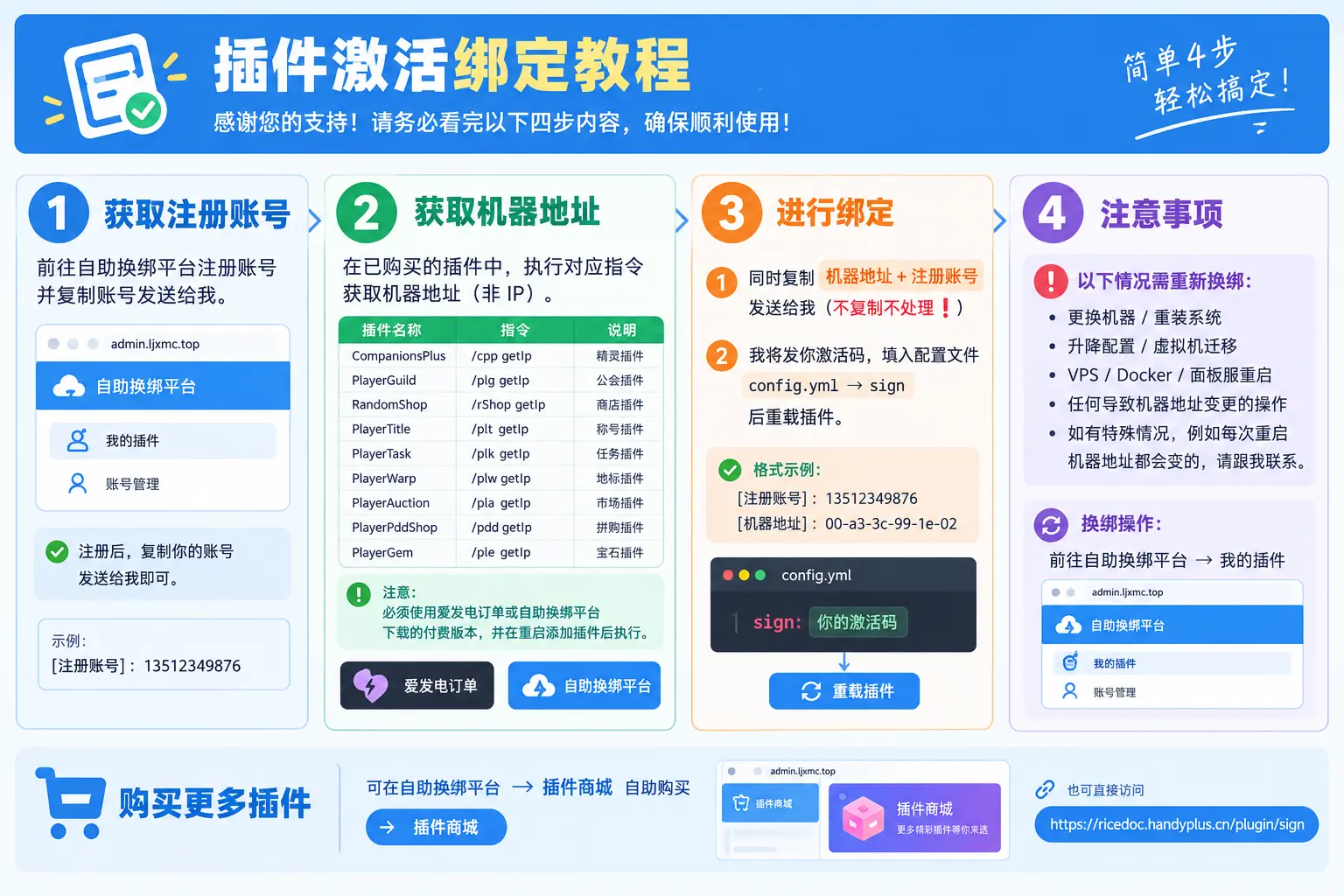
🔑 1. Bind your machine
- Send me the machine address + registered account together (copy both in one message, otherwise it will not be processed ❗)
- I will send you the activation code; fill it into
config.yml → sign, then reload the plugin
✅ Example:
Registered account: 13512349876 Machine address: 00-a3-3c-99-1e-02
📝 2. Get a registered account
- Register on the 👉 self-service rebind platform
- Copy the account and send it to me

💻 3. Get the machine address (not an IP)
🔔 Important:
- Only the machine address of the plugin you bought is needed
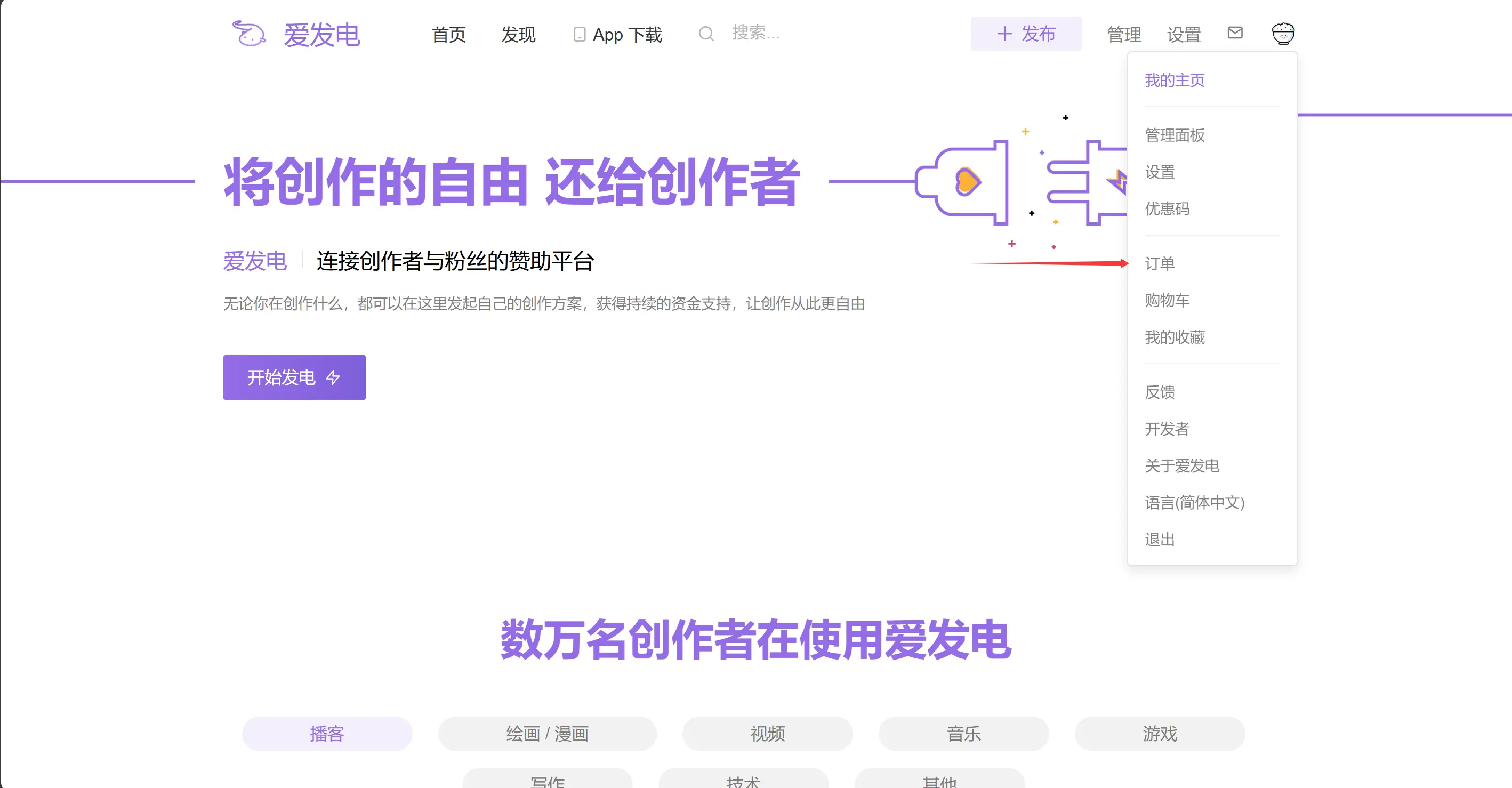
- You must use the paid build downloaded from your 👉 Afdian order or the 👉 self-service rebind platform
- Restart the server with the plugin installed, then run the command
| Plugin | Command | Notes |
|---|---|---|
| CompanionsPlus | /cpp getIp | Companion plugin |
| PlayerGuild | /plg getIp | Guild plugin |
| RandomShop | /rShop getIp | Shop plugin |
| PlayerTitle | /plt getIp | Title plugin |
| PlayerTask | /plk getIp | Quest plugin |
| PlayerWarp | /plw getIp | Warp plugin |
| PlayerAuction | /pla getIp | Auction plugin |
| PlayerPddShop | /pdd getIp | Group-buy plugin |
| PlayerGem | /ple getIp | Gem plugin |
⚠️ 4. Things to know
- You have to rebind when:
- the machine is replaced or the system is reinstalled
- the plan is upgraded/downgraded or a VM is migrated
- a VPS / Docker / panel server restarts
- anything else that changes the machine address
- if the machine address changes on every restart, please contact me
- How to rebind: 👉 open the self-service rebind platform → My Plugins
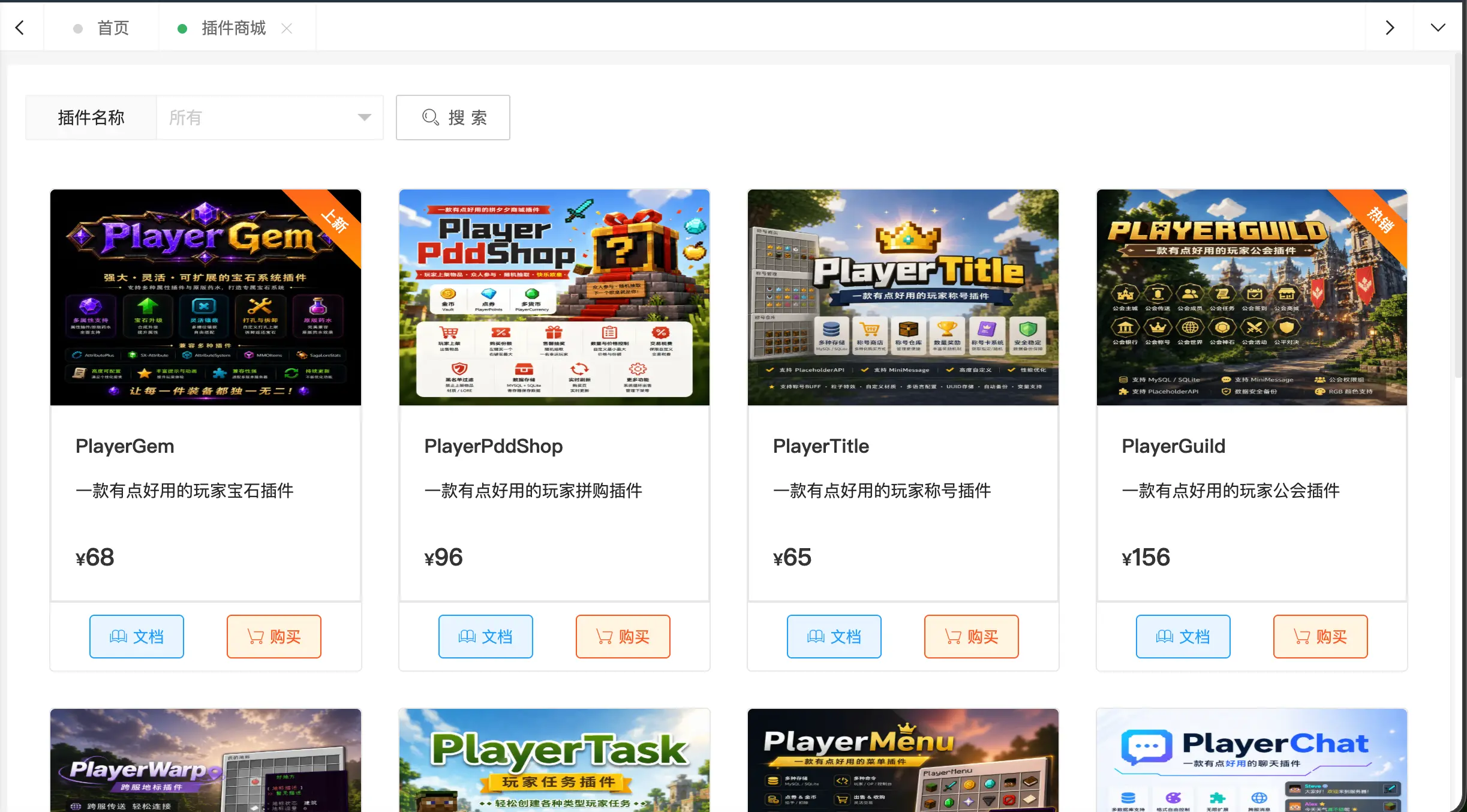
Buy more plugins
Plugins can be bought on the self-service rebind platform → Plugin Store